ECM smart connect for Document Capture - Setup
The following settings must be made in order to be able to use the archiving of Document Capture documents.
Initialize connector
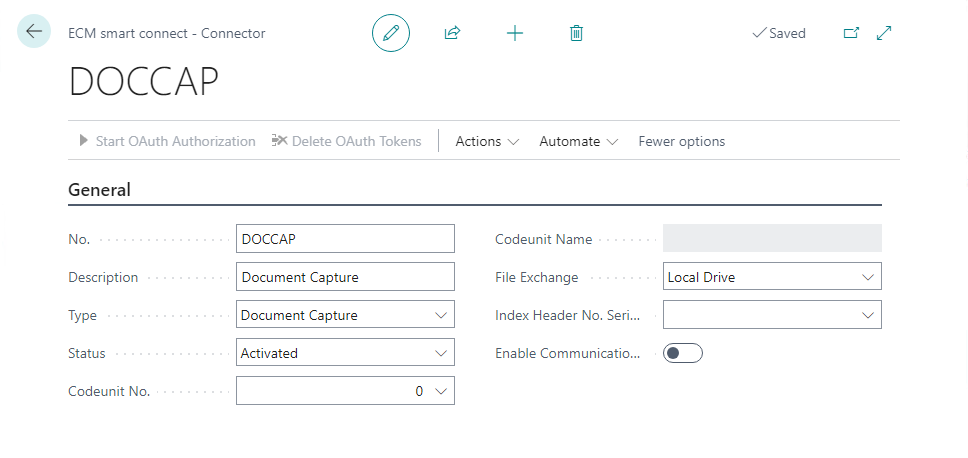
A connector must be created so that archiving can be processed via the job queue.
Document Capture categories
To determine which Document Capture document categories are to be archived, the corresponding categories must be selected in this setup. If required, only posted documents and the incoming e-mail can be archived.

Document types
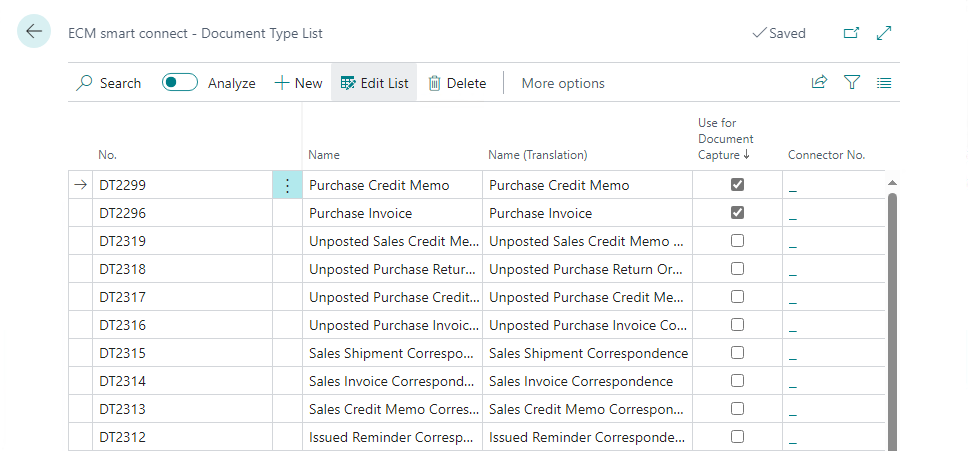
To ensure that ECM Smart Connect uses the correct document type for archiving Document Capture documents, these must be marked in the document type list